


In the service industry, efficiency is currency. Every minute your technicians spend trying to decipher a messy handwritten note or calling the office to clarify a job detail is a minute they aren’t billing.
The solution to field chaos isn’t always expensive software; sometimes, it is simply having the right paper trail. A structured Job Work Order ensures that data is captured correctly the first time, preventing disputes and speeding up invoicing.
We have compiled a collection of 5 Free Job Work Order Templates. These PDF forms are designed to handle specific operational workflows, from managing field crews to tracking profit margins.
Here is how each template can improve your business operations.
1. The Equipment Intake Form
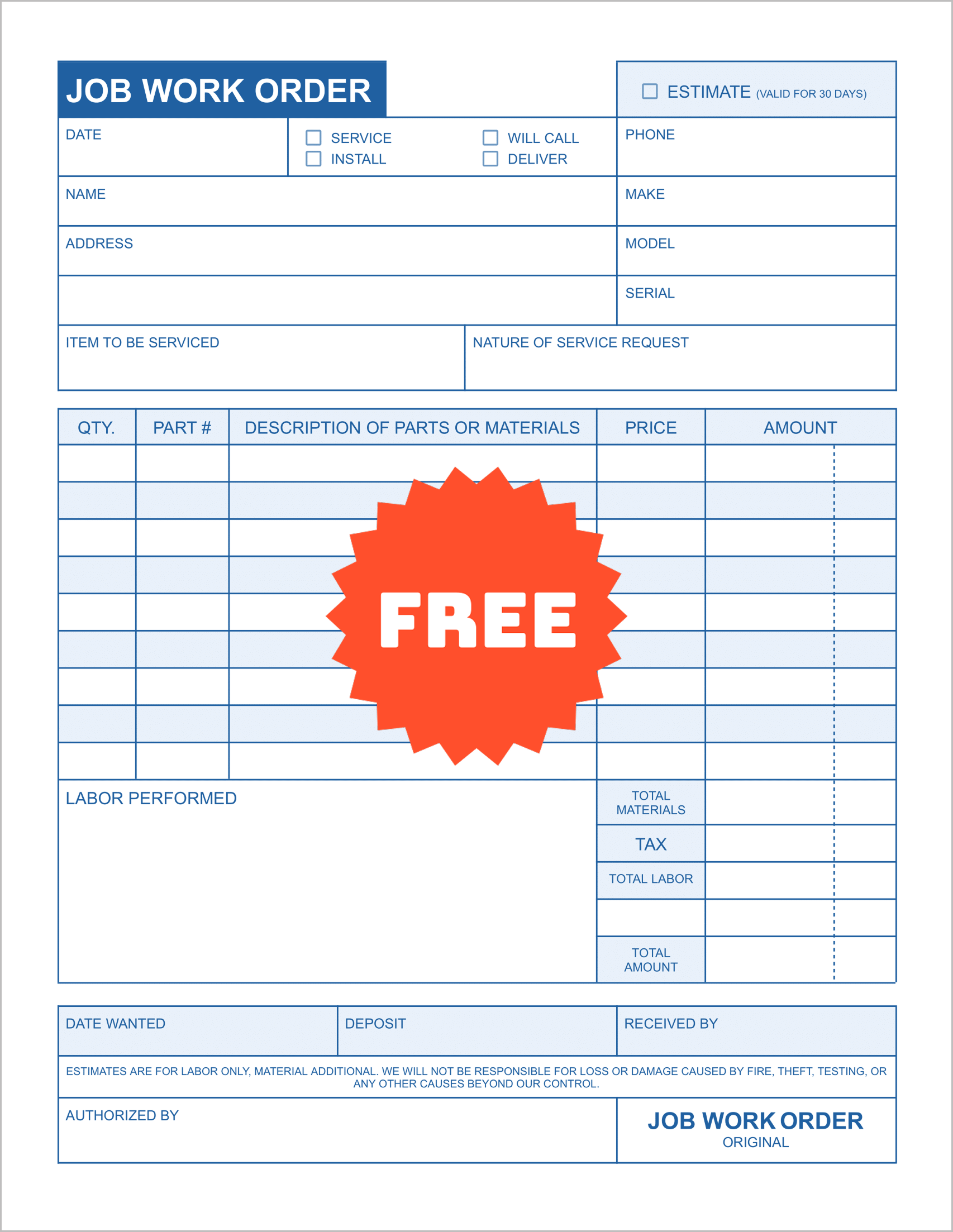
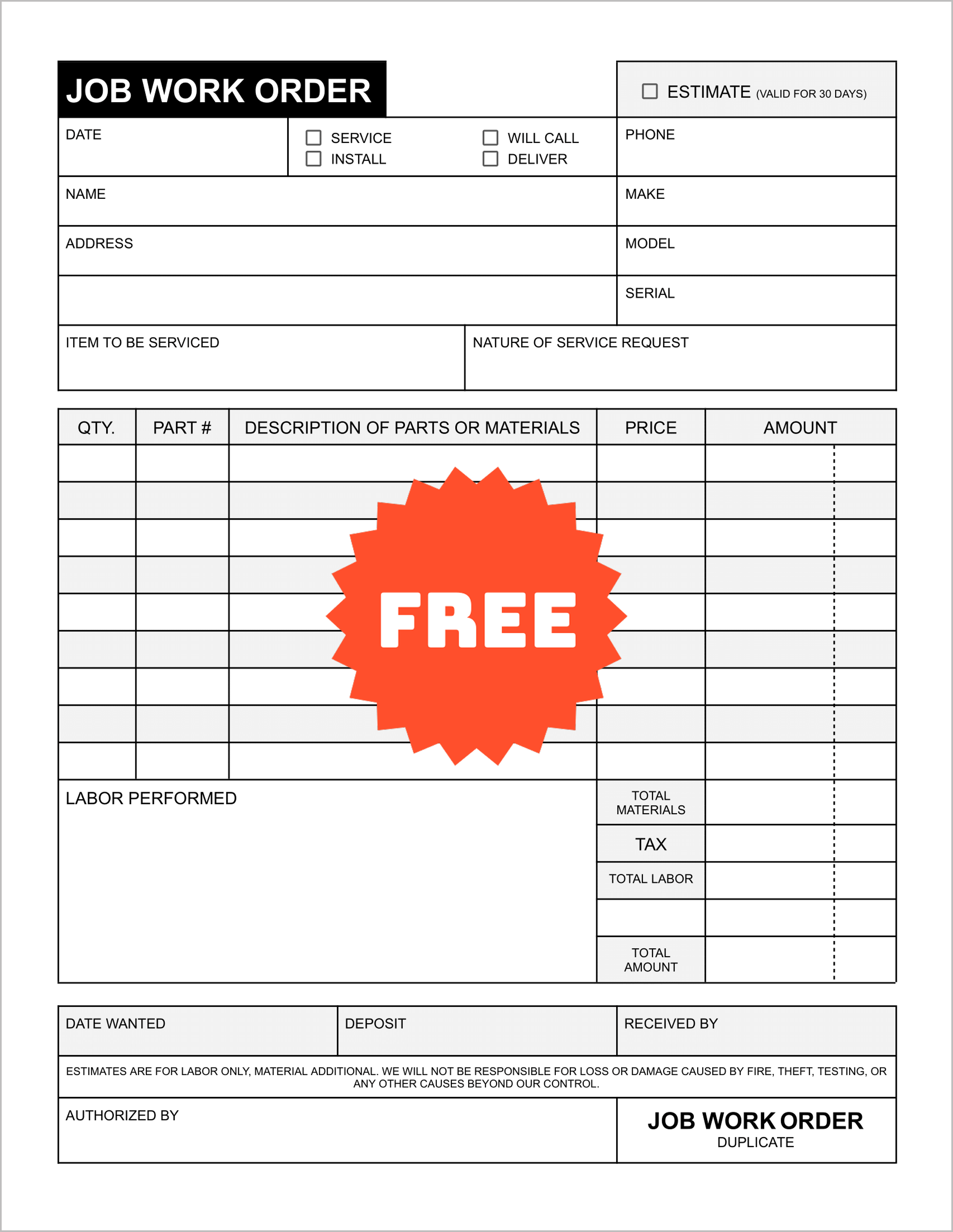
If your business involves fixing hardware—like HVAC units, appliances, or vehicles—you need specific data points that a generic form misses.
This template is built for precision. It includes dedicated fields for the Make, Model, and Serial number of the equipment.
It also features a checkbox system to categorize the job type immediately, such as Service, Install, or Will Call, ensuring your technicians know exactly what the goal is before they even start the engine.
2. The Crew Management Log
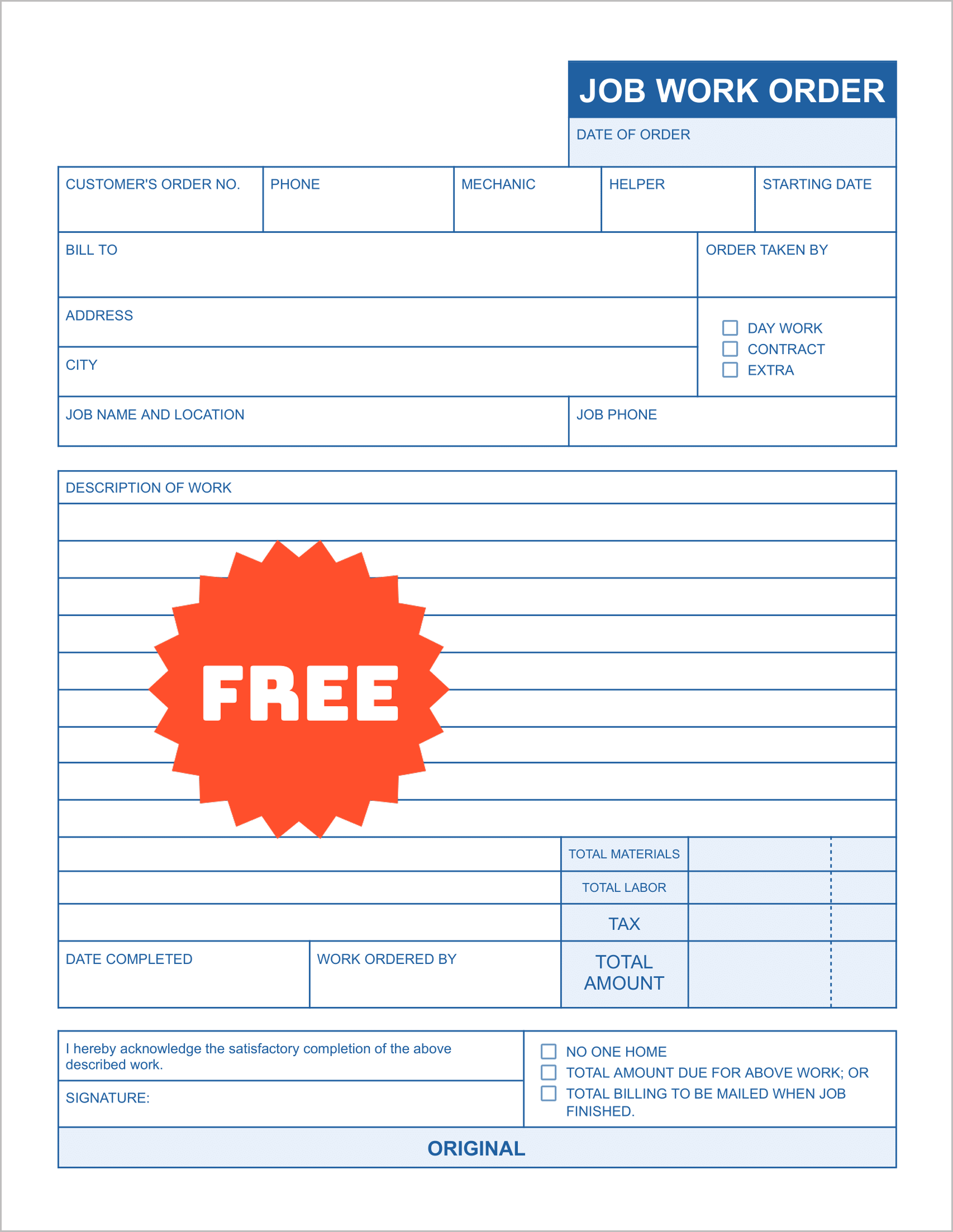
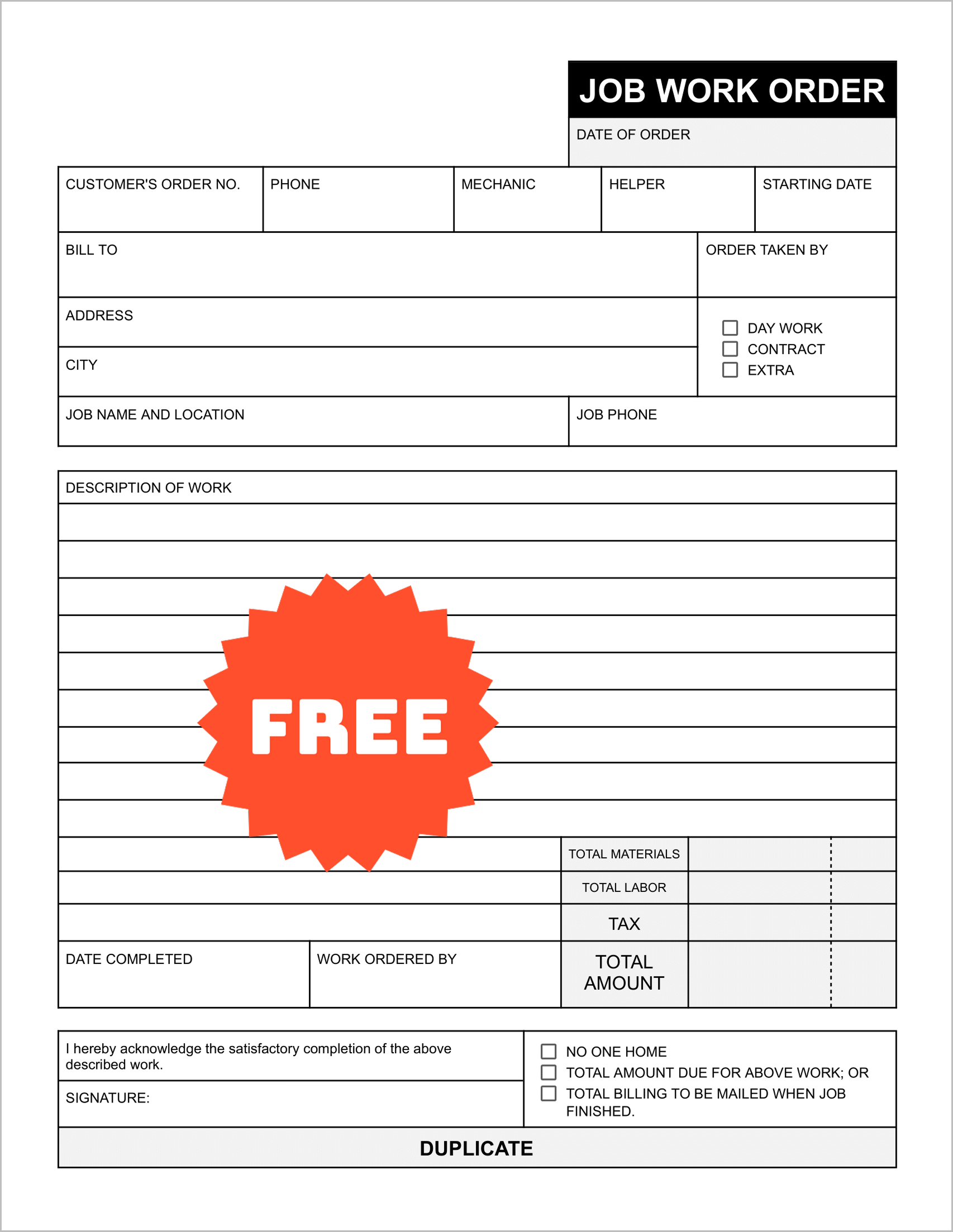
Managing a team is different than working solo. You need to know who did the work and what their role was.
This template is designed for general contractors and construction crews. It includes specific fields to assign a Mechanic and a Helper to the project. It also allows you to distinguish between Day Work, Contract, and Extra work.
This distinction is vital for accurate billing, as “Extra” work often falls outside the original scope and needs to be billed differently.
3. The Time & Materials Specialist
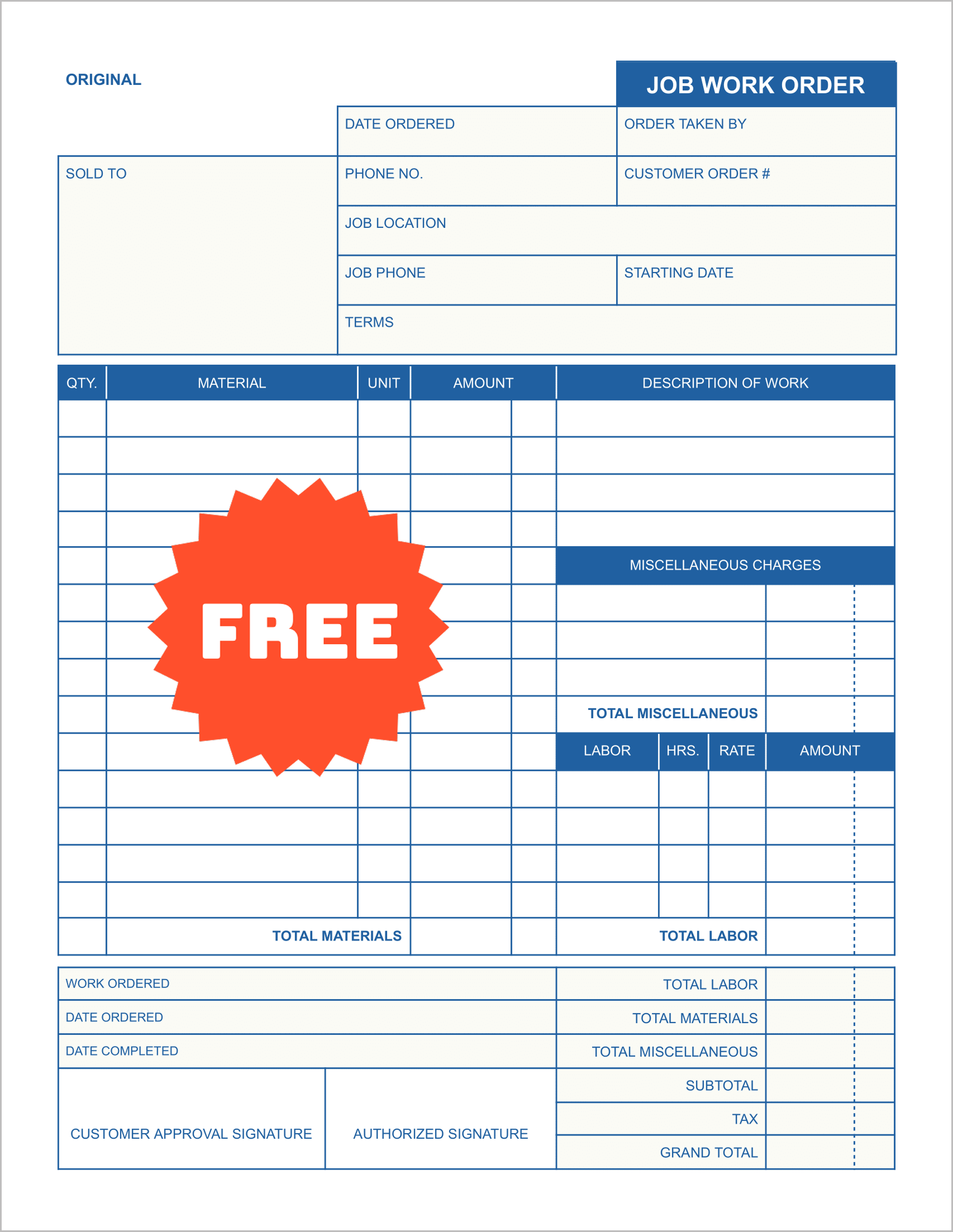
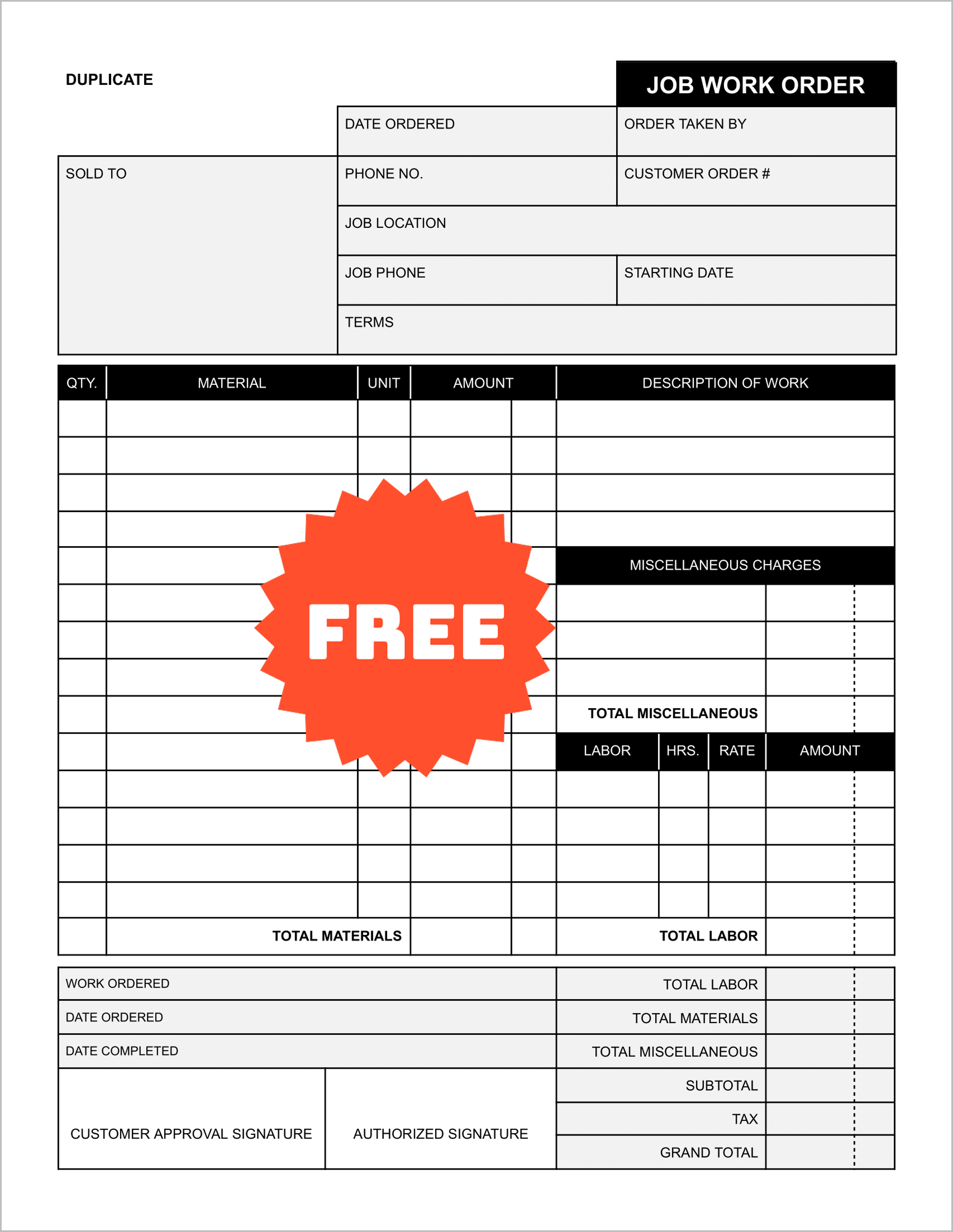
Transparency builds trust. When you are billing on a “Time and Materials” basis, clients want to see exactly where their money went.
This layout offers a rigorous breakdown. It separates costs into three clear categories: Materials, Labor, and Miscellaneous Charges.
By isolating “Miscellaneous” costs, you can bill for travel fees or permits without them getting lost in the material markup, ensuring a cleaner invoice for the client.
4. The Profit & Loss Auditor
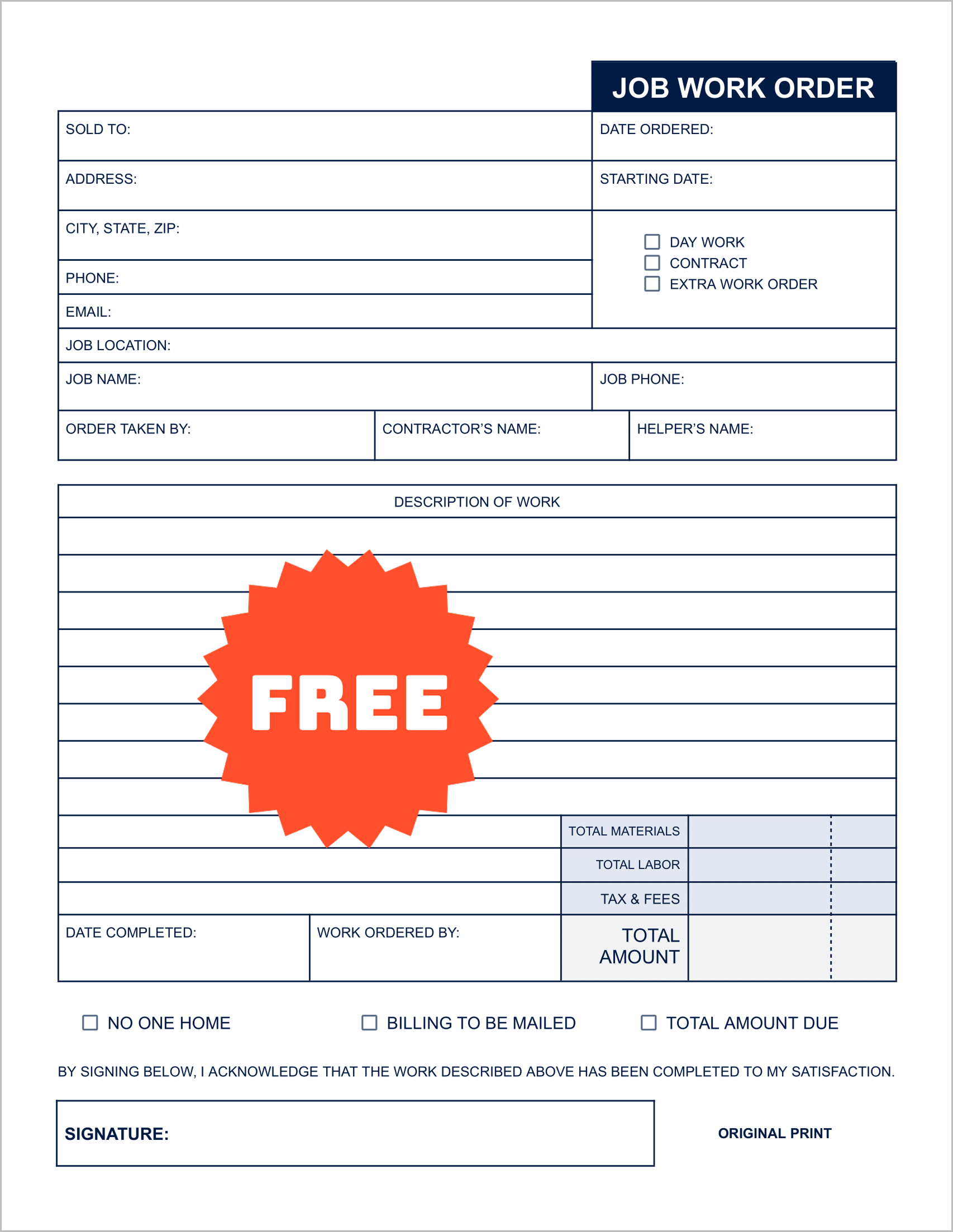
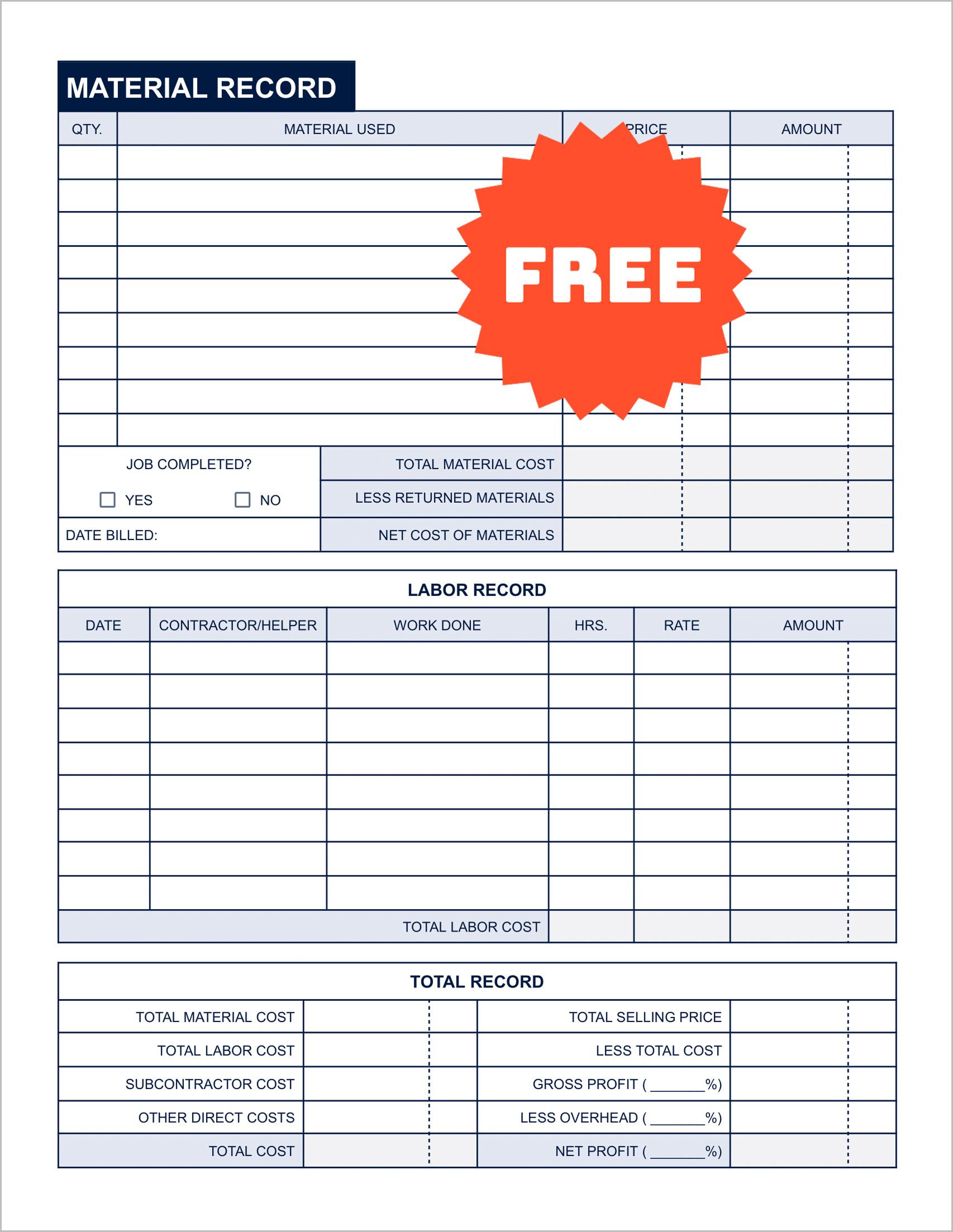
Most work orders tell you what you billed, but they don’t tell you what you made. This unique 2-sided template changes that.
The front is a standard work order, but the back features a comprehensive Total Record section. It forces you to calculate Total Material Cost against Total Selling Price, and subtract Subcontractor Costs and Overhead.
This sheet functions as a mini-audit for every single job, helping you identify which projects are actually profitable.
5. The Milestone Payment Tracker
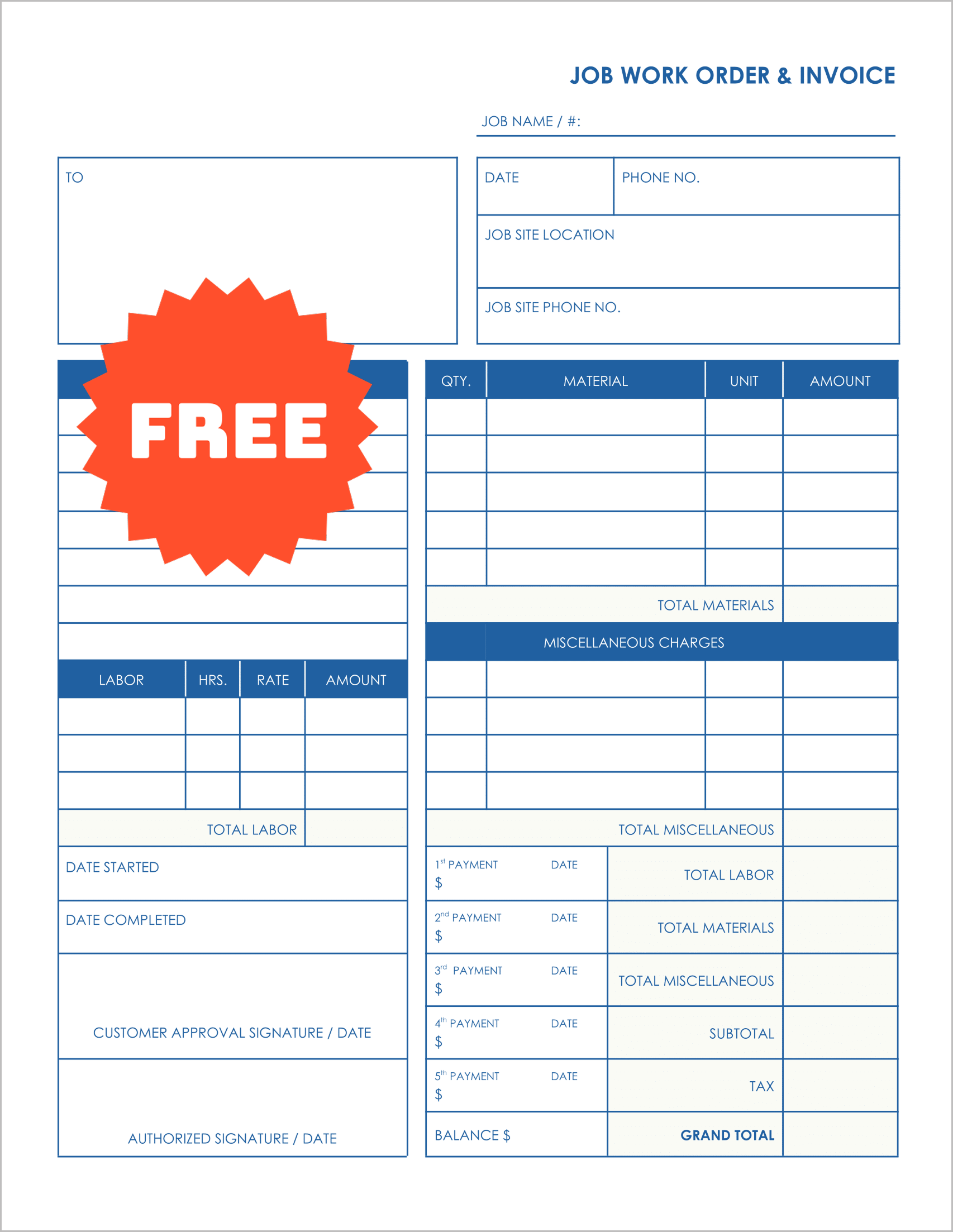
For larger projects like remodeling or landscaping, cash flow is king. You cannot wait until the end of a month-long job to get paid.
This template functions as both a work order and a payment schedule. It includes space to record 5 separate payments, allowing you to document a deposit, three progress payments, and a final balance.
It keeps the payment history attached to the job description, so there is never any confusion about how much is still owed.
Tips for Implementing These Forms
1. Standardize Your “Nature of Service”
The “Nature of Service Request” field is the most important part of the form. Train your team to use standard language here. Instead of “Fix AC,” use “Diagnose and Repair Condenser Unit.” Specific language protects you in court if a dispute ever arises.
2. Use the “Authorized By” Field
Every template in this bundle includes a signature line. Make it a strict policy: no work begins until the client signs the “Authorized By” line. This simple step prevents the common “I didn’t approve that extra repair” argument that delays payment.
3. Track Your Inventory
Use the “Part #” column on Template 1 and 2 religiously. Even if you don’t use inventory software, having a paper record of exactly which parts left your truck helps you reconcile your stock at the end of the week.