


A daily construction report (DCR) is more than just paperwork; it is a legal document.
When a client asks why a project is two weeks behind, or a subcontractor claims they worked 50 hours when they only worked 30, your daily log is the evidence that wins the argument.
However, different jobs require different levels of detail. We have released 5 Free Printable Construction Site Log Templates to help you match the paperwork to the project.
Here is how to choose the right template for your crew.
1. For Managing Subcontractors

If you are a GC, your primary job is coordination. Template #1 is built for this.
By separating your own crew’s hours from your subcontractor’s “Men x Hours,” you can instantly see if a sub is under-manning a job.
The “Inspections” and “Visitors” sidebar also helps you track who walked the site, which is vital for liability.
2. For Safety Audits & Incident Reporting

On high-risk sites, safety documentation is mandatory. Template #2 puts compliance front and center.
It forces the foreman to fill out “Safety Issues” and “Accidents/Incidents” every single day.
Even writing “None” is a powerful legal defense. It also features a “Delay in Work?” checkbox at the top to immediately flag interruptions.
3. For Documentation of Delays
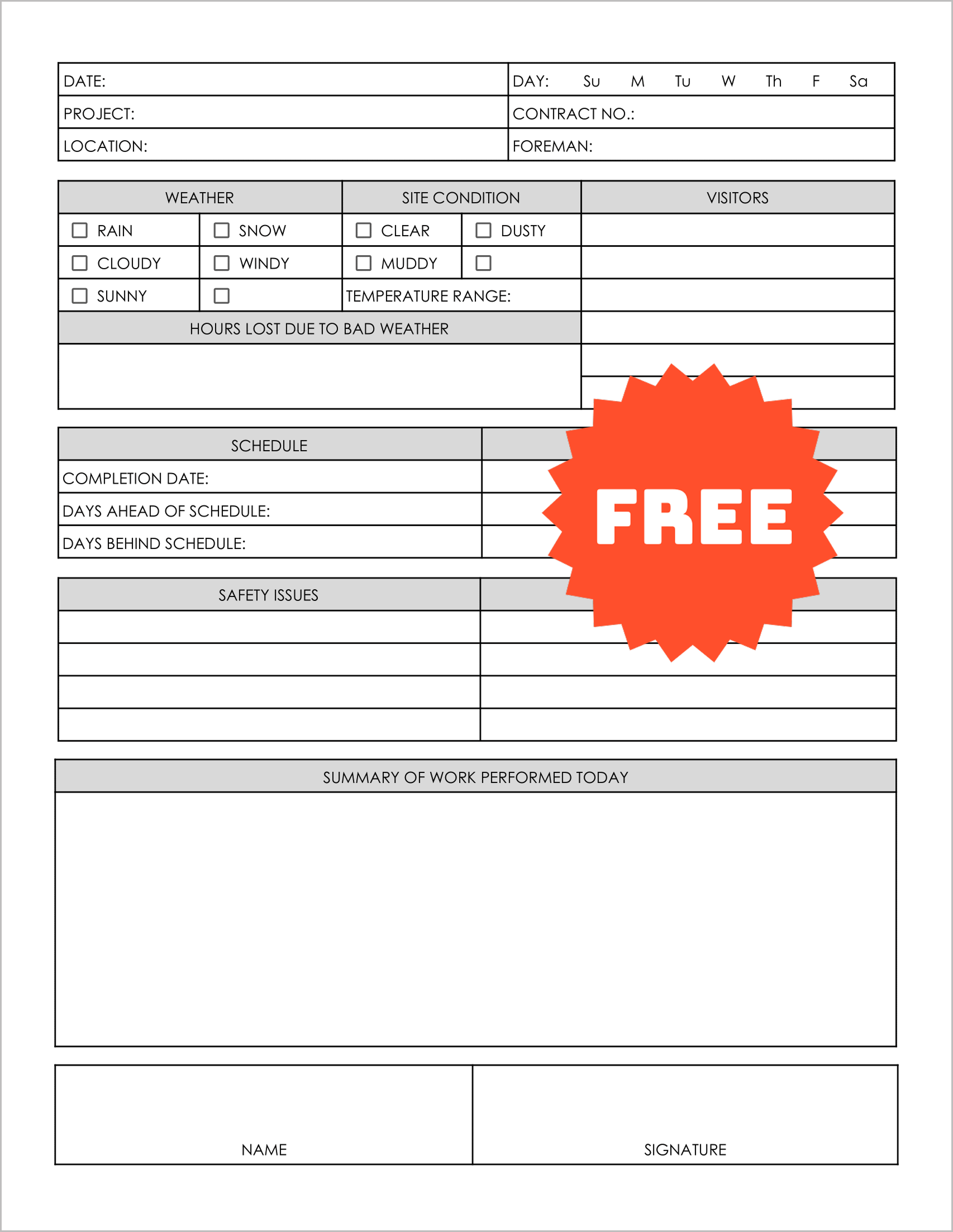
If you are working an outdoor excavation or roofing job, weather is your enemy. Template #3 is your best tool for delay claims.
It allows you to document “Site Conditions” (e.g., Muddy, Dusty) and “Hours Lost.”
If you ever need to request a contract extension due to “Acts of God,” a binder full of these sheets is your proof.
4. For Cost-Plus Contracts
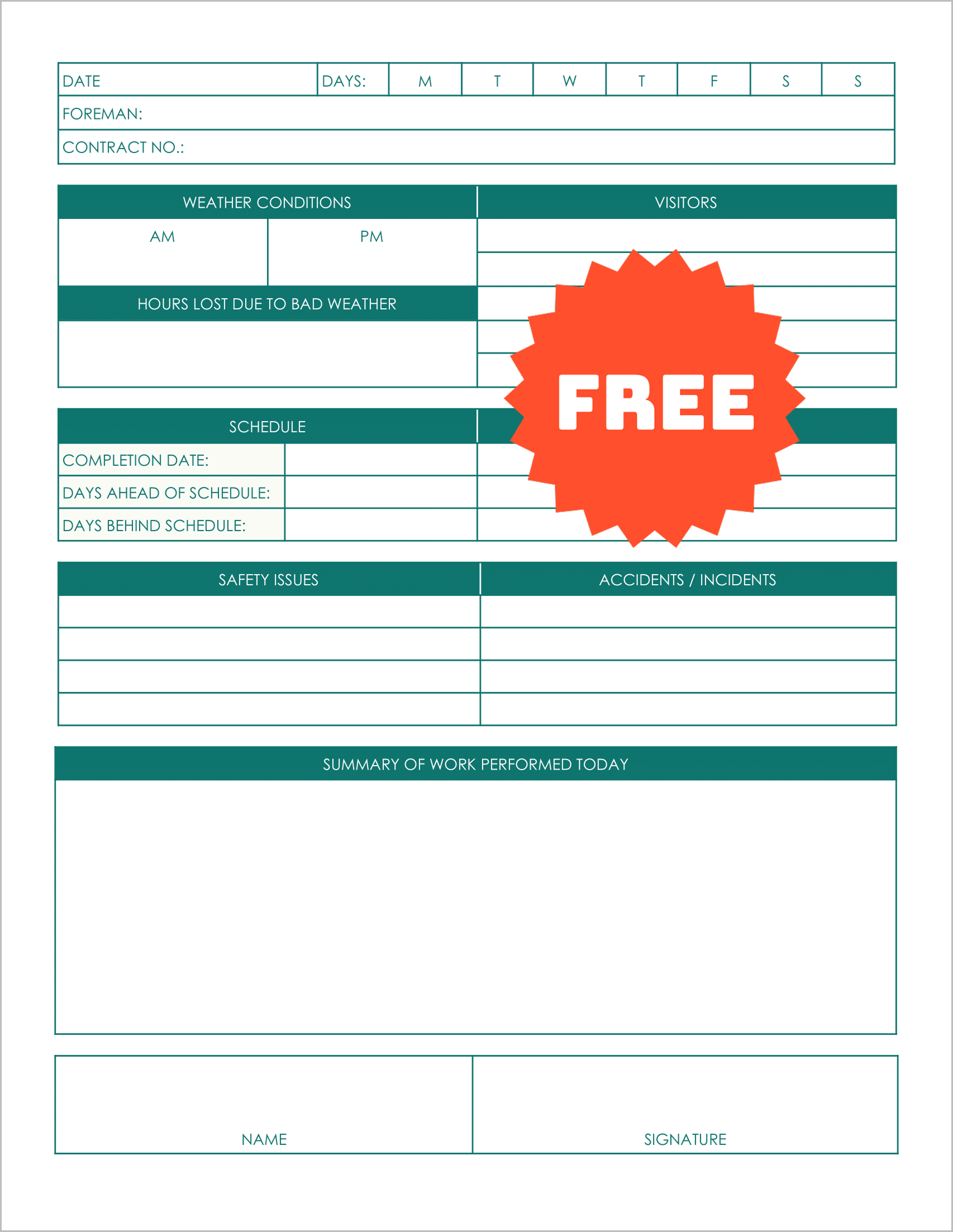

If you are billing a client for Time and Materials (T&M), you need extreme detail.
Template #4 is essential here. It tracks “Overtime” hours explicitly and logs “Equipment Rented” with rates.
This prevents sticker shock when you send the invoice, because you have a daily record of exactly what resources were consumed.
4. For Quick Status Updates

Not every job needs a massive spreadsheet. If you are doing a small remodel or a deck build, Template #5 is perfect.
It focuses on the narrative—Problems, Safety, and Work Performed. It tracks the “Report No” and “Job No” clearly, making it quick to fill out at the end of the day without bogging your lead carpenter down in administrative work.