

The visitor log is often the first interaction a guest has with your company. It needs to be professional, organized, and functional.
More importantly, it serves as a legal record of who was on your premises and when.
We have created a bundle of 5 Free Visitor Log Templates in PDF format. These are printable forms designed to help you track guests, badges, and site access.
Here is a look at the 5 templates included in the file.
1. Visitor Log Template-1
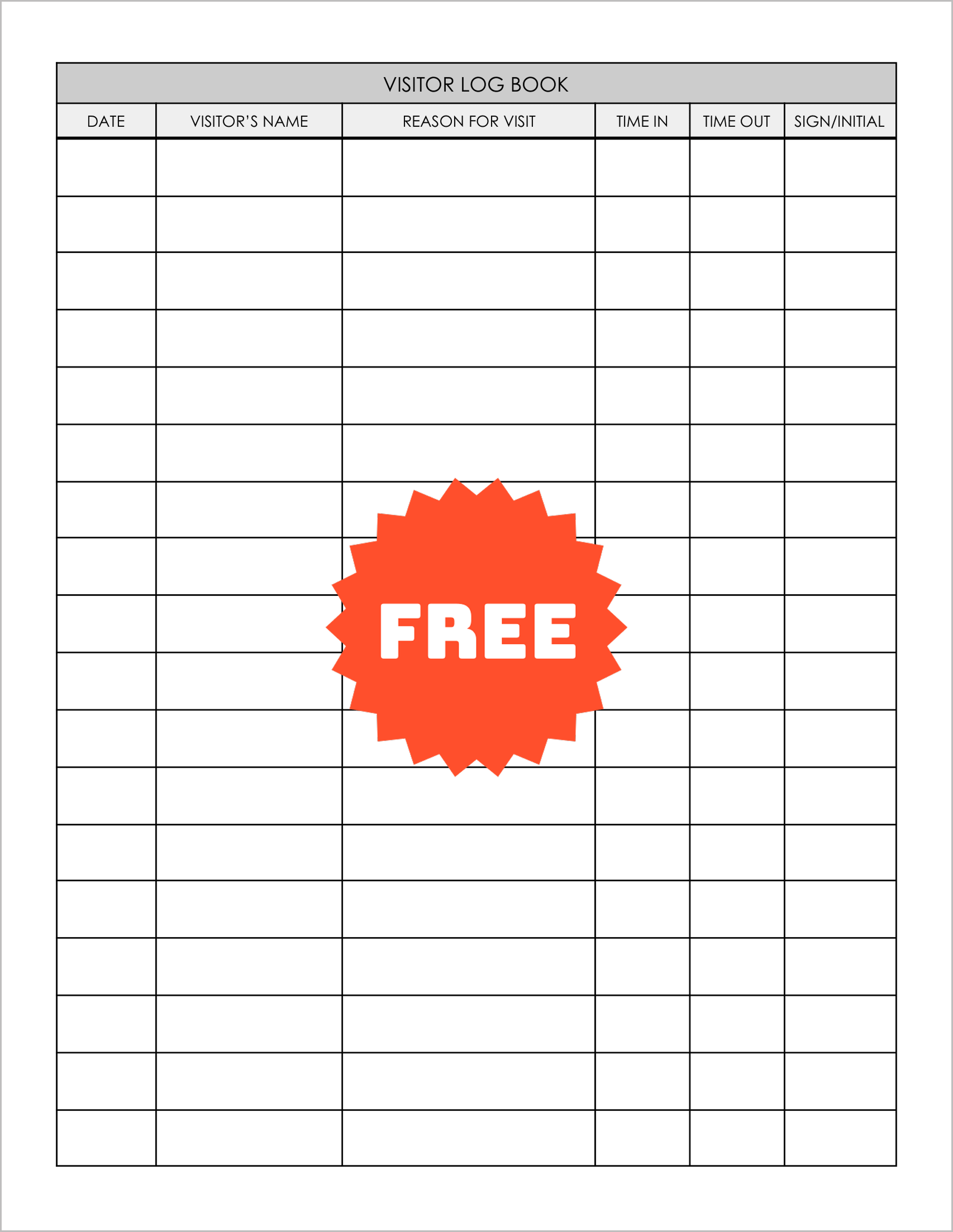
This is a straightforward sign-in sheet. The table tracks “Date,” “Visitor’s Name,” and “Reason for Visit.”
It includes columns for “Time In” and “Time Out” to monitor duration. The final column accepts a “Sign/Initial,” making it a quick and easy option for busy lobbies.
2. Visitor Log Template-2
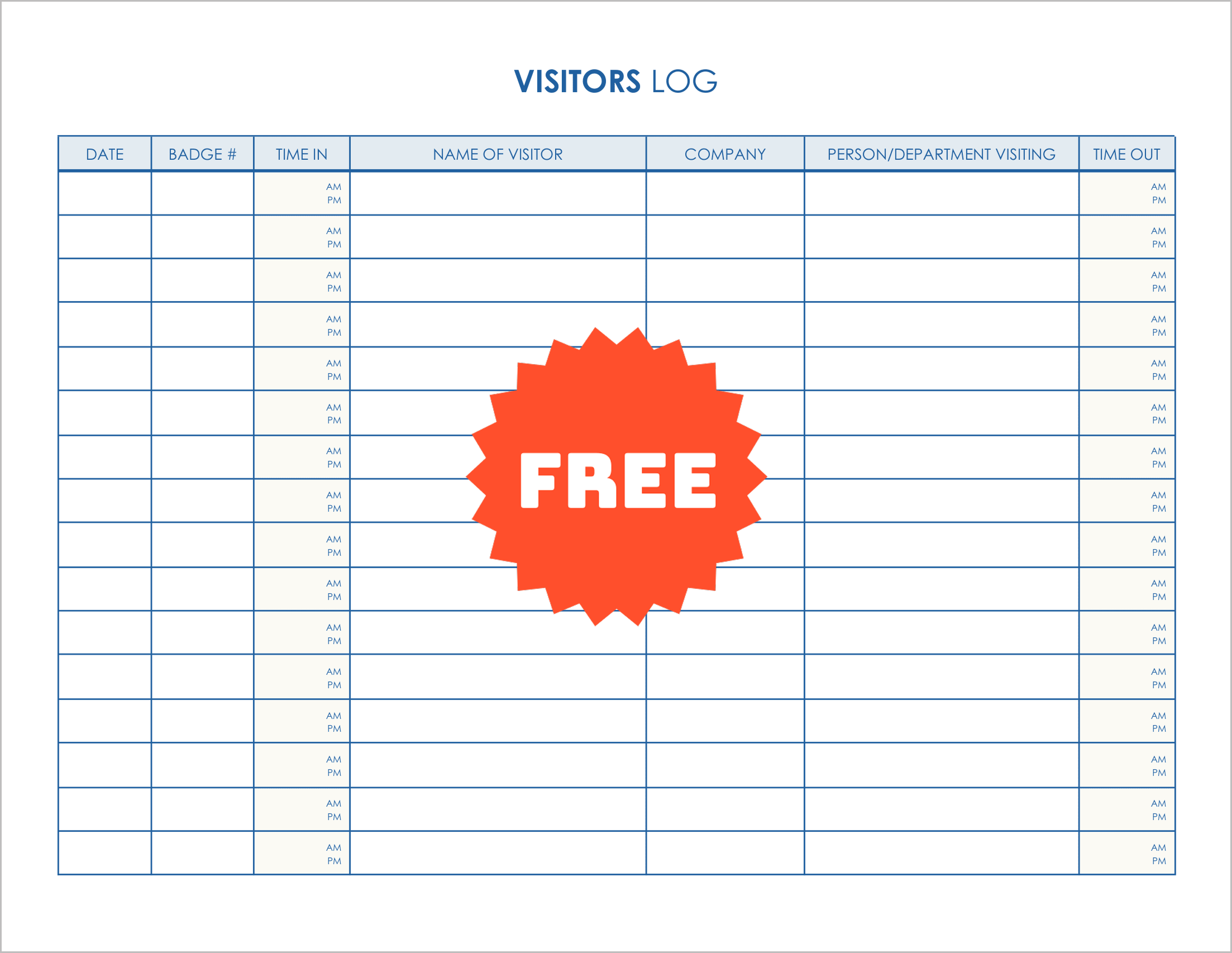
This log is designed for buildings that use security badges. It features a specific column for “Badge #” right next to the date.
The Time In/Out sections are detailed with pre-printed “AM/PM” rows, ensuring accurate timekeeping. It also records the “Company” and the “Person/Department Visiting.”
3. Visitor Log Template-3
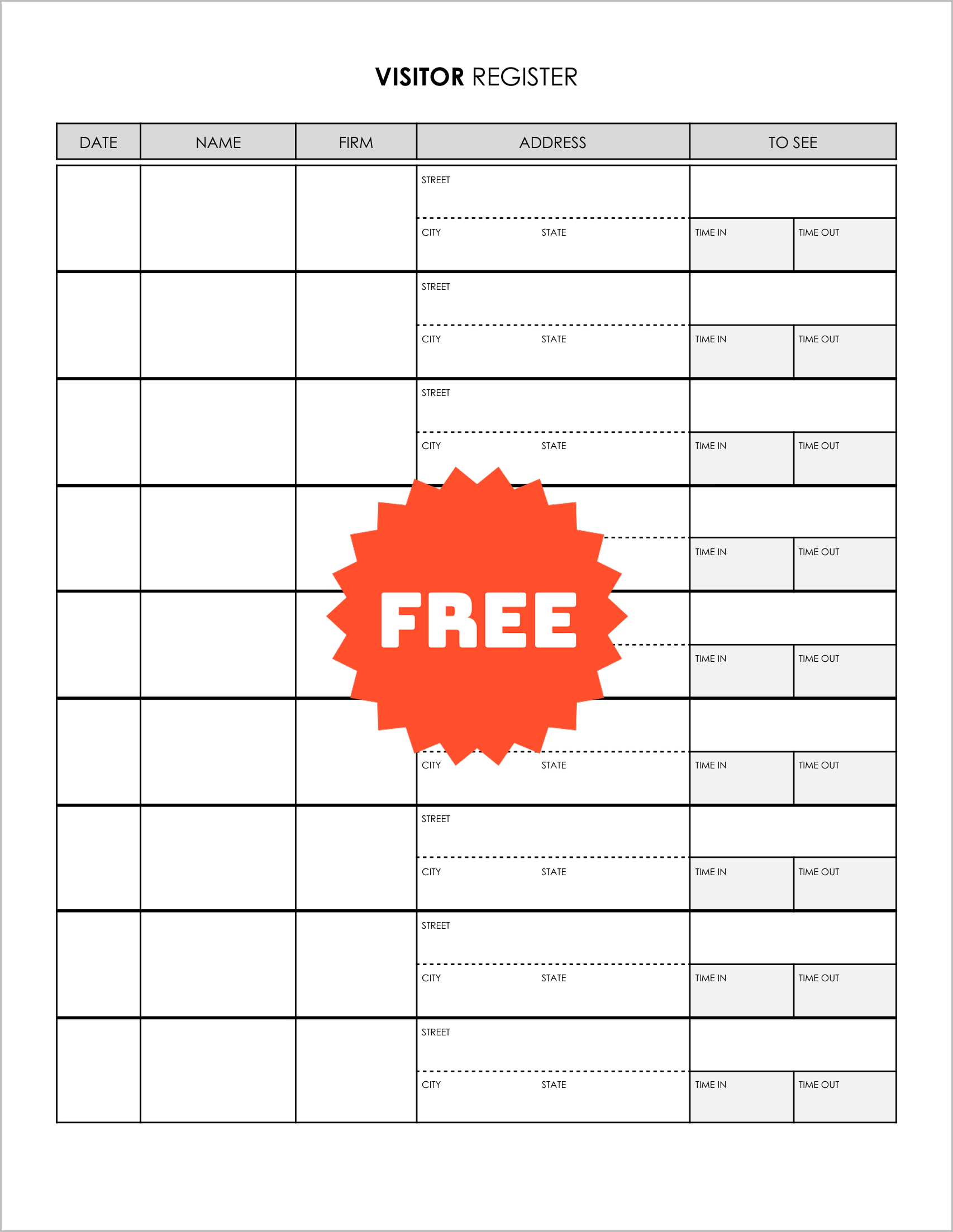
This is a detailed visitor register. It captures more information than a standard log, including the visitor’s “Firm” and full “Address” (Street, City, State).
It is ideal for facilities that need to vet visitors thoroughly. It also tracks “To See” and entry/exit times.
4. Visitor Log Template-4
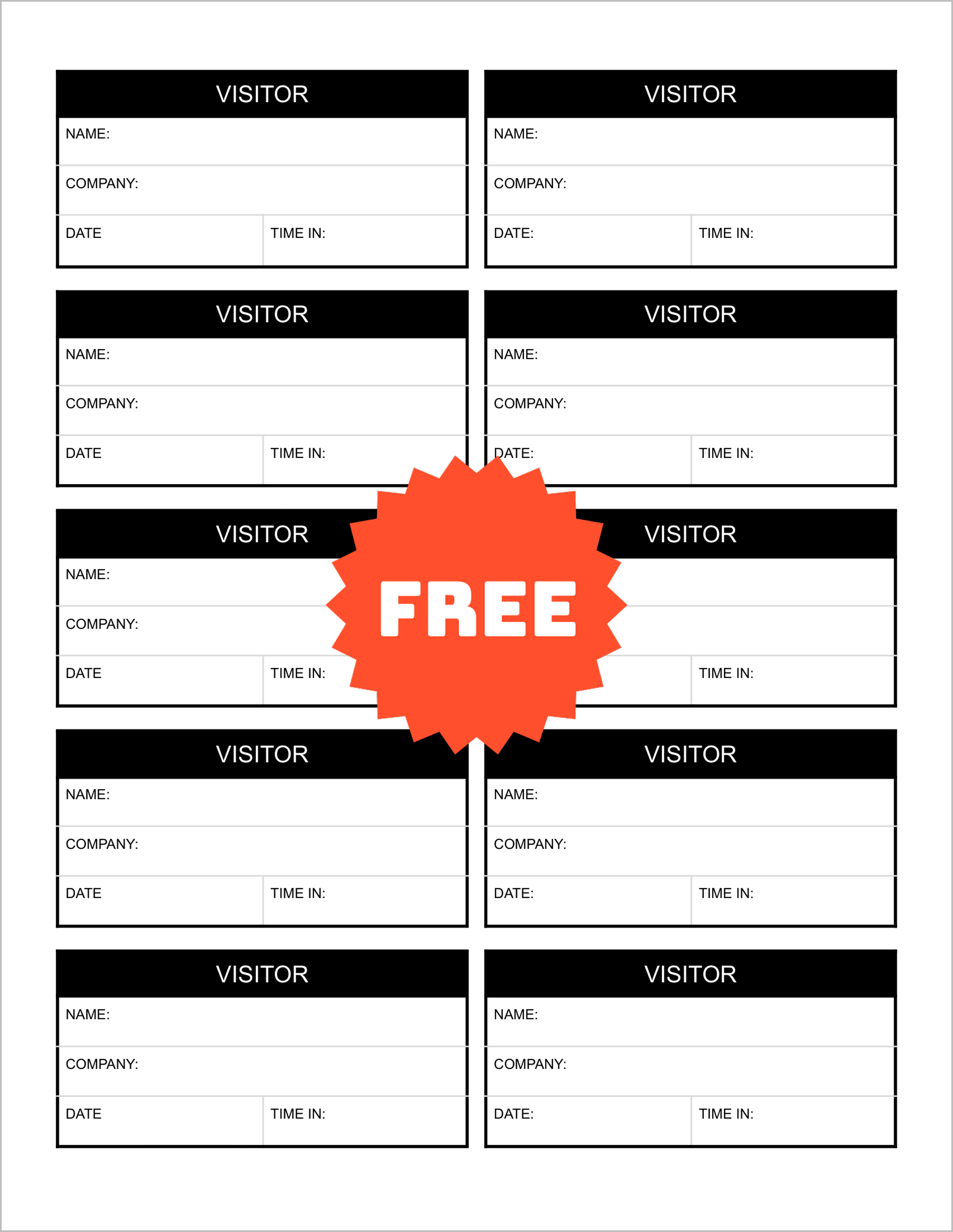
This file is designed to create Visitor Badges rather than a logbook. The page is divided into small rectangular blocks.
Each block includes fields for “Name,” “Company,” “Date,” and “Time In” . These can be cut out and issued to guests to wear during their visit.
5. Visitor Log Template-5
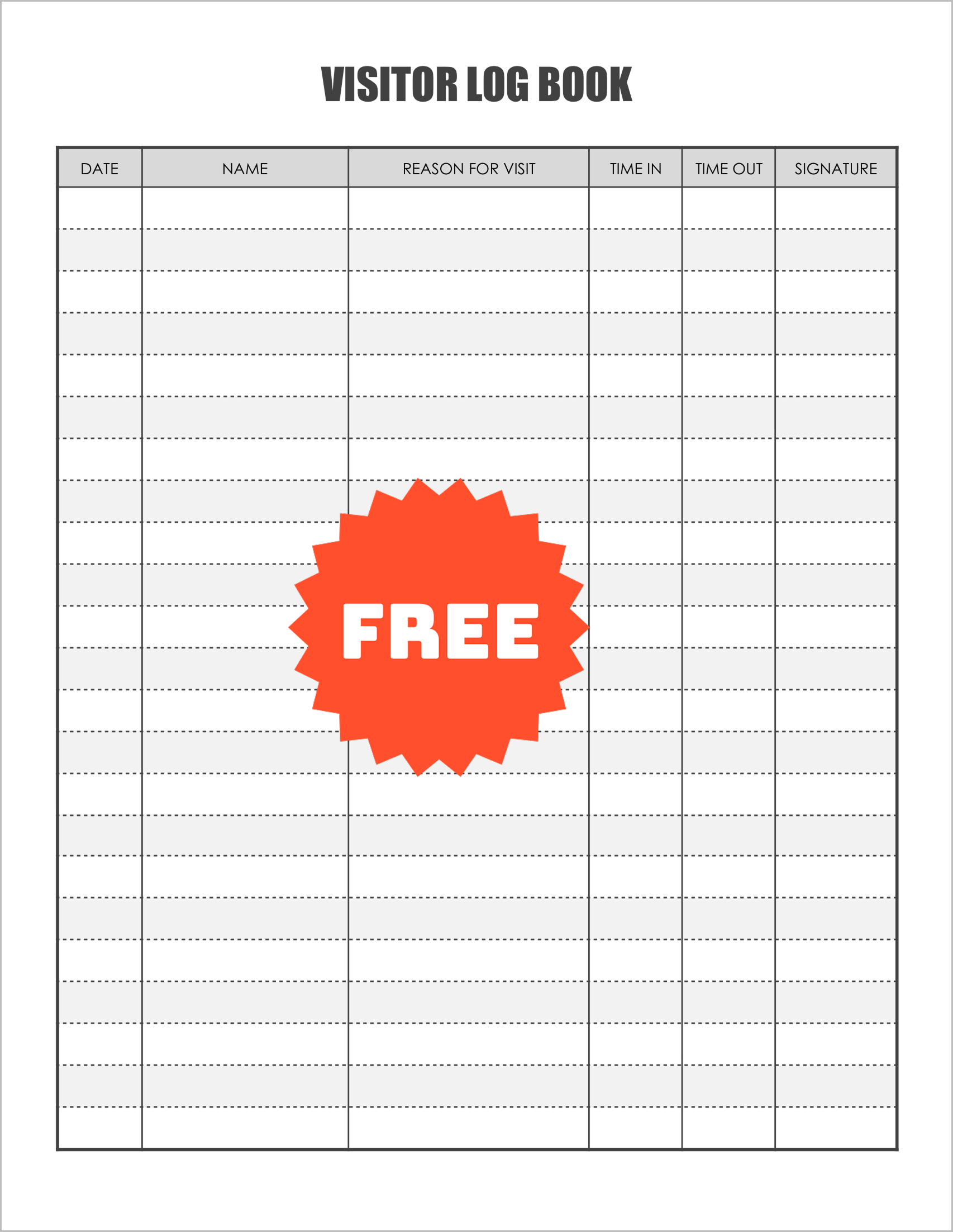
This is a formal log book page. It tracks “Date,” “Name,” and “Reason for Visit.”
The key difference is the “Signature” column at the end, which provides a higher level of verification than a simple initial. It is a clean, professional layout suitable for any corporate front desk.